
What You Need to Know About Tracking Luggage with AirTags
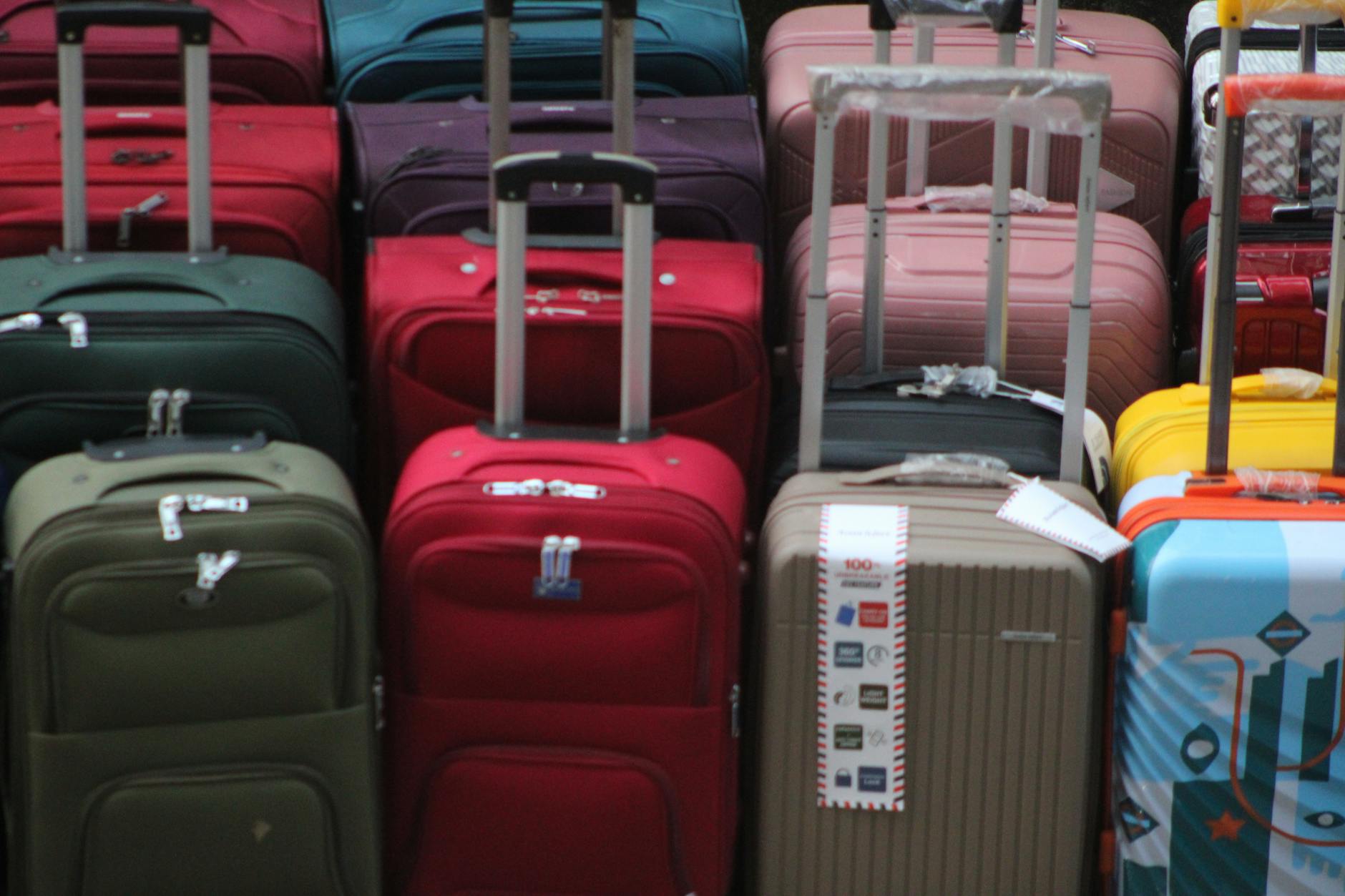
Lost luggage ruins vacations faster than delayed flights. With airlines mishandling 7.6 bags per 1,000 passengers in 2022, smart travelers are taking control with Apple AirTags. These coin-sized trackers slip into your suitcase and provide real-time location updates through the Find My network, turning your iPhone into a luggage detective tool.
AirTags work differently than traditional GPS trackers. They don’t need cellular service or Wi-Fi. Instead, they communicate with nearby Apple devices to report their location anonymously. In busy airports and tourist destinations worldwide, this network is remarkably dense, making AirTags surprisingly effective for international travel tracking.
The system isn’t perfect. AirTags can’t track luggage in flight or in remote areas without iPhone users nearby. But for airport connections, baggage claims, and urban destinations, they provide peace of mind that standard luggage tags can’t match.
Step 1: Choose the Right AirTag Setup for Travel
Purchase at least two AirTags per trip – one for checked luggage and one for carry-on items. This redundancy proves valuable when bags get separated or when you need to track multiple pieces through different connections.
Remove AirTags from any existing key rings or accessories before travel. The bare tracker is smaller and less likely to trigger security concerns. Pack each AirTag in an interior pocket or compartment of your luggage, not the main section where it might shift or get damaged.
For checked bags, place the AirTag inside a small zippered pocket or secure it in a corner using the luggage’s internal compression straps. Avoid placing it in exterior pockets where it could fall out during rough handling.
Consider battery life before long trips. New AirTags last about one year with normal use, but frequent location pings during travel can drain them faster. Replace the CR2032 battery if your AirTag shows low power warnings before departure.
Step 2: Set Up Precision Finding and Notifications
Open the Find My app and locate your AirTags under the Items tab. Rename each tracker with specific identifiers like “Black Suitcase” or “Carry-On Backpack” rather than generic names. This clarity becomes crucial when managing multiple bags through international connections.
Enable notifications for when you’re separated from your AirTags. Tap the AirTag name, select “Notify When Left Behind,” and choose “Notify Me.” This feature alerts you if you walk away without your luggage, preventing absent-minded departures from baggage claim areas.
Turn on Precision Finding for iPhone 11 and newer models. This feature uses ultra-wideband technology to guide you directly to your AirTag with arrows and distance measurements once you’re within Bluetooth range. This proves invaluable in crowded baggage claim areas or when searching unfamiliar airports.
Test the sound feature before travel. Each AirTag can play a loud beep to help locate bags in dim or crowded spaces. Practice activating this through the Find My app so you can quickly find your luggage even when buried under other bags.
Step 3: Navigate International Airport Security
AirTags rarely cause security issues, but preparation helps avoid delays. Keep your AirTags visible if security requests to see them. The devices contain no prohibited materials and comply with international aviation regulations.
Some security agents might not recognize AirTags immediately. Briefly explain that they’re Apple tracking devices for luggage, similar to smartphone accessories. Avoid detailed technical explanations that might raise unnecessary concerns.
Never place AirTags in electronics compartments or laptop bags that undergo additional screening. Security personnel might confuse them with prohibited devices or request extended inspections that delay your connection.
If questioned about AirTags, remain calm and cooperative. Most international airports have encountered these devices regularly since their 2021 launch. Training has improved significantly, making extended delays increasingly rare.
Step 4: Track Luggage Through Connections
Monitor your luggage location immediately after checking bags. Open Find My and confirm your AirTag shows the correct airport location. Screenshot this information as backup documentation if issues arise later.
During layovers, check your AirTag location before boarding connecting flights. Your luggage should typically remain at or move toward your departure gate area. Bags that haven’t moved from the arrival airport might indicate missed connections requiring immediate airline notification.
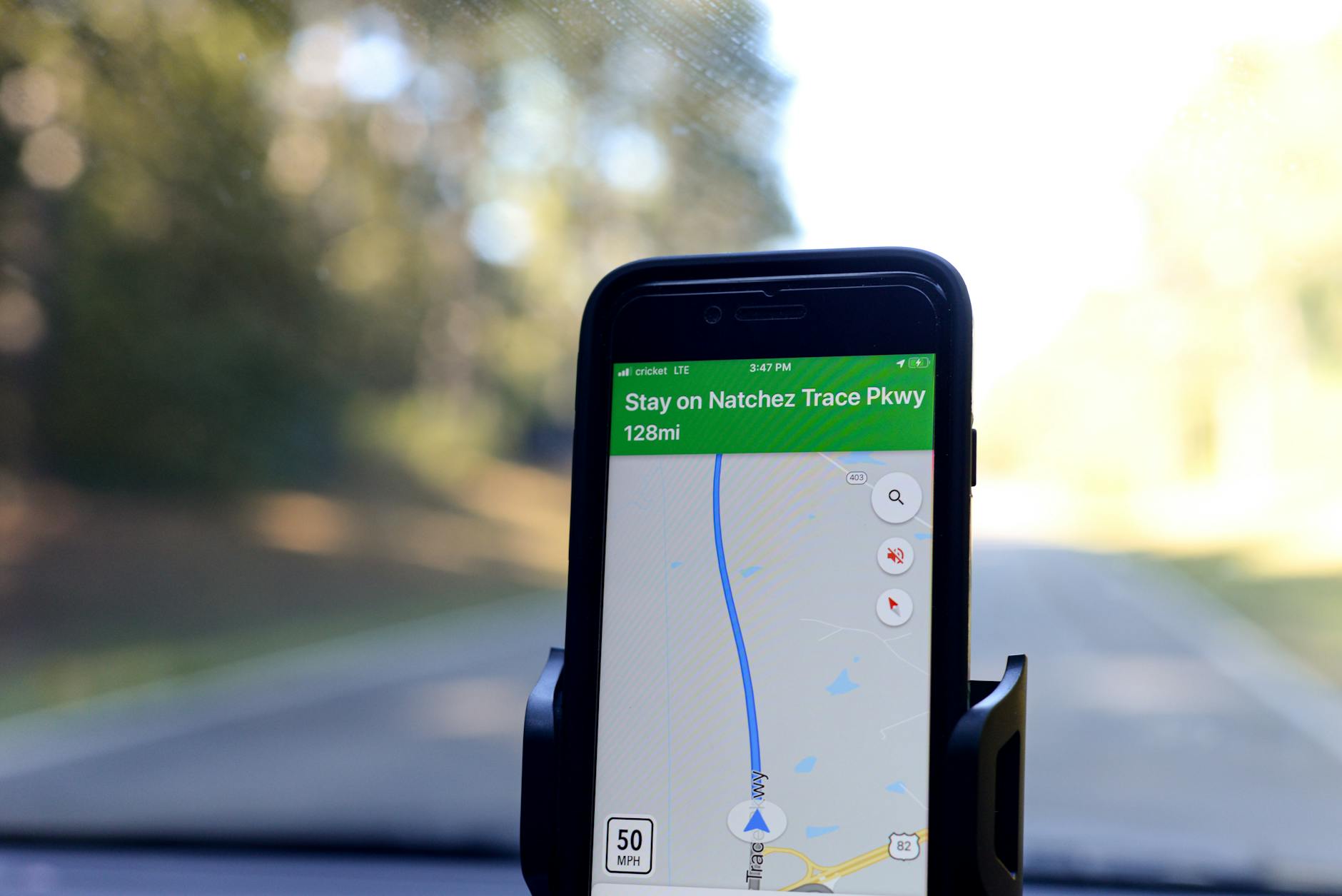
International connections often involve longer transfer times, giving you opportunities to track bag movement. Use this time productively by monitoring progress rather than assuming successful transfers. Early detection of routing errors can prevent bags from heading to wrong destinations.
Time zone changes can affect location timestamps in Find My. Focus on the map location rather than specific arrival times, which might display in different time zones depending on your device settings.
Step 5: Handle Lost Luggage Situations
If your AirTag shows luggage in an unexpected location, document everything immediately. Take screenshots of the Find My map showing your bag’s location, timestamp, and battery level. This evidence helps airline staff locate bags more efficiently.
Share AirTag location information strategically with airline personnel. Many agents now recognize AirTags and appreciate the precise location data. However, some airlines have policies against accepting customer tracking information, so present it as helpful supplementary data rather than demanding immediate action.
Use Lost Mode if your luggage disappears from the Find My network entirely. This feature notifies you when any iPhone user encounters your AirTag and can display custom contact information on their device. Include your international phone number and hotel information for easy contact.
When planning complex family trips with multiple travelers, assign one person as the AirTag coordinator. This prevents confusion and ensures consistent communication with airlines about missing luggage locations.
Step 6: Maximize Accuracy in International Destinations
AirTag accuracy varies significantly by location. Major international cities with high iPhone adoption provide excellent coverage, while remote destinations might offer limited tracking capabilities. Research your destination’s technology adoption to set realistic expectations.
Popular tourist areas typically offer the best AirTag performance due to concentrated iPhone users. Hotels, restaurants, and attractions in major cities usually provide sufficient network density for regular location updates.
Be patient with location updates in international destinations. The Find My network relies on other users’ devices, so updates might be less frequent than domestic travel. Your AirTag might show stale location data for several hours in less connected areas.
Airport areas generally provide excellent AirTag coverage regardless of destination. Most international airports have sufficient iPhone users among staff and travelers to maintain regular tracking updates throughout your arrival and departure process.
Key Takeaways for Successful AirTag Luggage Tracking
AirTags transform luggage anxiety into manageable monitoring. Place trackers strategically in interior compartments, enable all notification features, and maintain realistic expectations about coverage limitations. Document locations during connections and use this information to assist rather than direct airline operations.
Success depends on preparation and patience. AirTags work best as supplementary tools alongside traditional luggage management rather than complete replacements for careful packing and airline communication. The technology excels at providing peace of mind and location assistance when problems occur.
Consider AirTags essential gear for international travel, especially when using credit card points for premium cabin bookings where luggage replacement becomes more critical. The small investment in tracking technology often prevents much larger vacation disruptions and replacement costs.
Remember that AirTags complement but don’t replace travel insurance, proper luggage identification, and direct airline communication. Use them as one tool in a comprehensive travel strategy that includes backup plans for luggage delays and losses.
Frequently Asked Questions
Do AirTags work internationally for luggage tracking?
Yes, AirTags work globally through Apple’s Find My network, though accuracy varies by iPhone user density in different regions.
Can airport security detect AirTags in luggage?
AirTags rarely trigger security concerns and comply with aviation regulations, though some agents might request to see them during screening.