
What You Need to Know
Missing a gate change announcement can turn your smooth travel day into a sprint through the terminal. Modern smartwatches have evolved beyond step counting to become essential travel companions, delivering flight updates directly to your wrist without the need to constantly check your phone or strain to hear airport announcements.
The key lies in setting up the right apps and notifications before you travel. Popular smartwatch platforms like Apple Watch, Samsung Galaxy Watch, and Wear OS devices can all handle real-time flight tracking, but the setup process varies significantly between brands and airline apps.
1. Download and Set Up Airline Apps
Start by downloading your airline’s official app on your smartphone. Major carriers like Delta, American Airlines, United, and Southwest all offer smartwatch compatibility, though features vary. Once installed, ensure you’re logged into your frequent flyer account and have granted notification permissions.
For international travel, apps like Lufthansa, British Airways, and Air France also support smartwatch notifications. The setup process typically requires enabling push notifications in your phone’s settings first, then configuring which types of alerts you want to receive on your watch.
Most airline apps will automatically detect when you have upcoming flights booked and begin sending relevant updates 24 hours before departure. This includes check-in reminders, boarding pass access, and importantly, any schedule or gate changes.
2. Configure Third-Party Flight Tracking Apps
Beyond airline-specific apps, dedicated flight tracking applications often provide more comprehensive coverage. Flightradar24, FlightAware, and App in the Air all offer smartwatch versions with robust notification systems.
These apps excel when you’re flying multiple airlines on the same trip or want to track flights for family members. App in the Air, for instance, allows you to input any flight number and receive updates regardless of which airline you’re flying.
The advantage of third-party apps becomes clear when dealing with connecting flights on different carriers. While airline apps focus on their own services, flight tracking apps monitor your entire itinerary across multiple airlines.
3. Set Up Smart Notifications on Your Watch
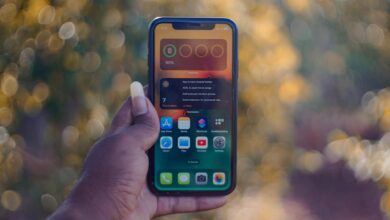
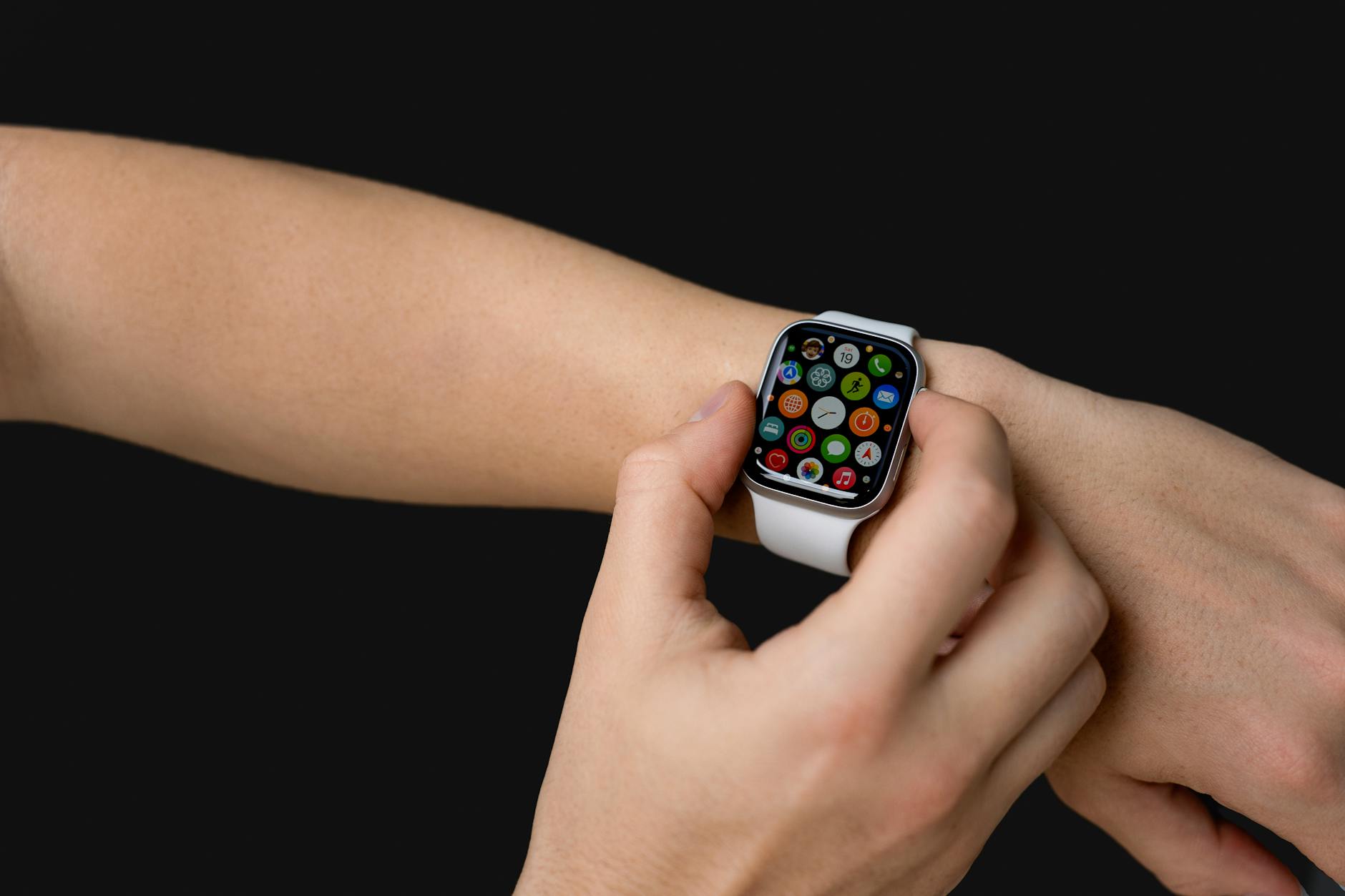
The notification setup process differs between smartwatch platforms. Apple Watch users navigate to the Watch app on their iPhone, select Notifications, then choose which apps can send alerts to the watch. Samsung Galaxy Watch users access Galaxy Watch Manager, while Wear OS devices use the Wear OS app.
Critical settings include enabling “Prominent” or “Immediate” notifications for flight apps, which bypass do-not-disturb modes. You’ll also want to enable haptic feedback, ensuring you feel alerts even in noisy airport environments.
Consider customizing notification sounds or vibration patterns for different types of alerts. Many users set a distinct pattern for gate changes versus general flight updates, making it easier to identify urgent information at a glance.
4. Enable Location-Based Airport Services
Modern smartwatches can leverage location services to provide contextual airport information. When you arrive at an airport, some apps automatically switch to “airport mode,” displaying your boarding pass, gate information, and walking directions without manual activation.
Apple Watch users can add boarding passes to the Wallet app, which automatically appears on the watch face when you’re at the airport. Samsung Pay and Google Pay offer similar functionality for Android-based smartwatches.
Location-based services also enable features like indoor airport navigation, particularly useful in large hub airports where gate changes might require significant walking time or terminal switches.
5. Optimize Battery Life for Travel Days
Flight tracking and constant connectivity drain smartwatch batteries faster than normal use. Enable battery saver modes that maintain essential notifications while reducing non-critical functions like fitness tracking or always-on displays.
Most smartwatches offer “Theater Mode” or “Airplane Mode” options that comply with airline regulations while still receiving notifications once you enable WiFi. This ensures you stay connected to flight updates throughout your journey.
Pack a portable charger designed for your smartwatch model. Compact magnetic chargers for Apple Watch or wireless charging pads for Samsung Galaxy Watch take minimal luggage space but provide peace of mind during long travel days.
6. Set Up Emergency Contact Integration
Link your smartwatch to emergency contacts who might need flight information updates. Many travelers configure their watches to automatically share flight status with family members or colleagues, eliminating the need for manual updates during delays.
Business travelers often integrate calendar apps with flight tracking, allowing smartwatches to automatically adjust meeting times when flights are delayed. This integration works particularly well with Microsoft Outlook and Google Calendar.
Key Takeaways
Smartwatches transform flight tracking from reactive to proactive, delivering critical updates directly to your wrist before you might notice changes on departure boards. The key to success lies in proper setup before travel, ensuring notifications work seamlessly across airline apps, third-party trackers, and your device’s operating system.
Start with your airline’s official app for the most reliable updates, then supplement with comprehensive flight tracking apps for broader coverage. Configure notifications to bypass do-not-disturb modes and enable location services for contextual airport information.
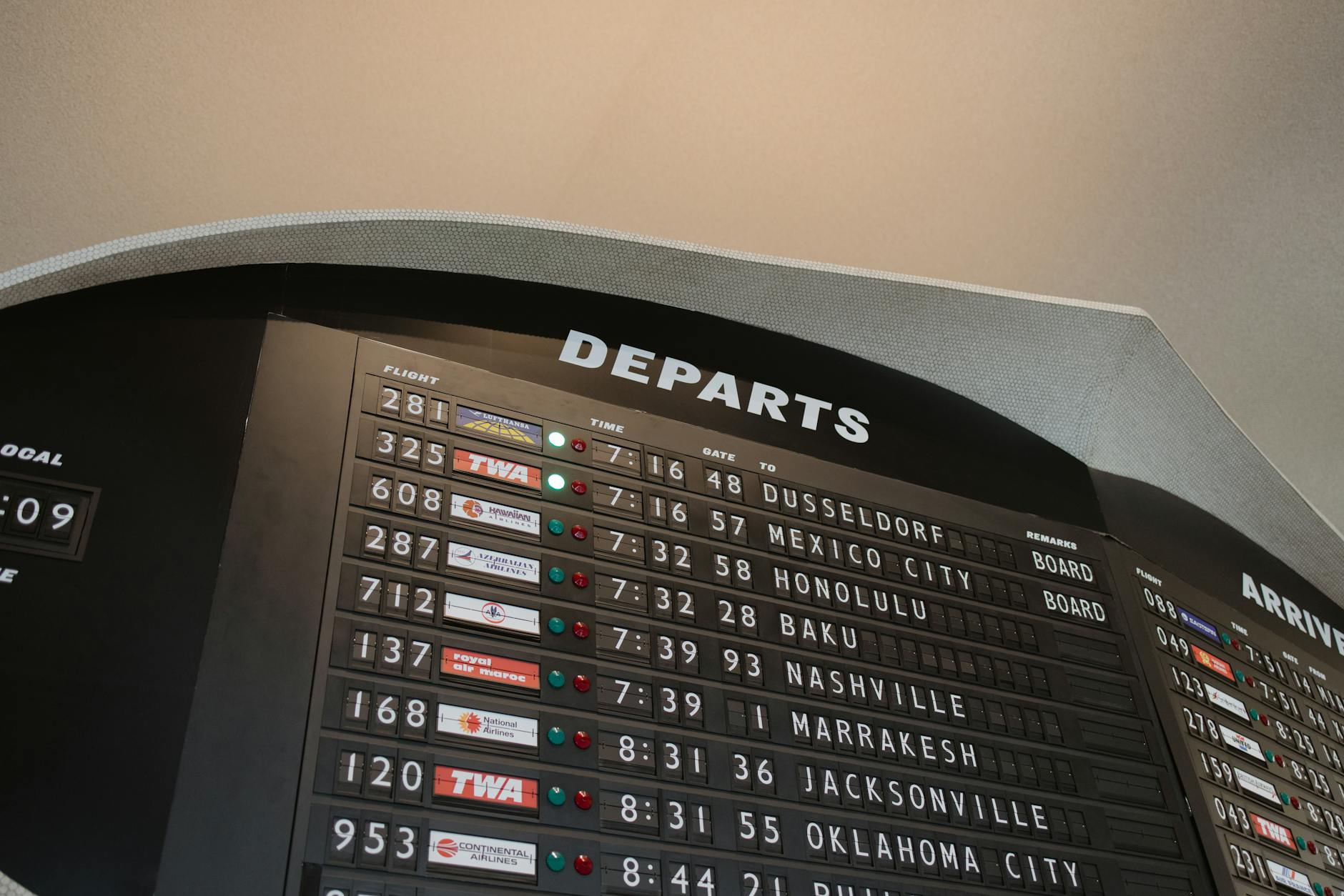
Remember that technology complements but doesn’t replace traditional awareness. Keep an ear out for gate announcements and periodically check departure boards, using your smartwatch as an additional layer of information rather than your sole source of flight updates.
Frequently Asked Questions
Do all smartwatches support flight notifications?
Most modern smartwatches support flight notifications through airline apps and third-party flight tracking applications with proper setup.
Will flight tracking drain my smartwatch battery quickly?
Yes, constant connectivity for flight updates uses more battery than normal, but battery saver modes can help maintain essential functions.